This article was created with AI writing assistance (ChatGPT, Claude, etc.). Product selection, specifications, and reviews are verified by the Japan Life Lab editorial team.
This article contains promotional / affiliate links.
📌 What you will learn
You do not have to read it all — jump to what you need.
- Pocket WiFi Not Working in Japan? How to Fix It Fast (2026)
- Step 1: Check the device itself
- Step 2: Reconnect your phone correctly
- Step 3: Common reasons it won’t connect
- Step 4: Get back online right now
- Step 5: Avoid this next time
- Frequently Asked Questions
※ Start wherever fits your situation.
Pocket WiFi Not Working in Japan? How to Fix It Fast (2026)
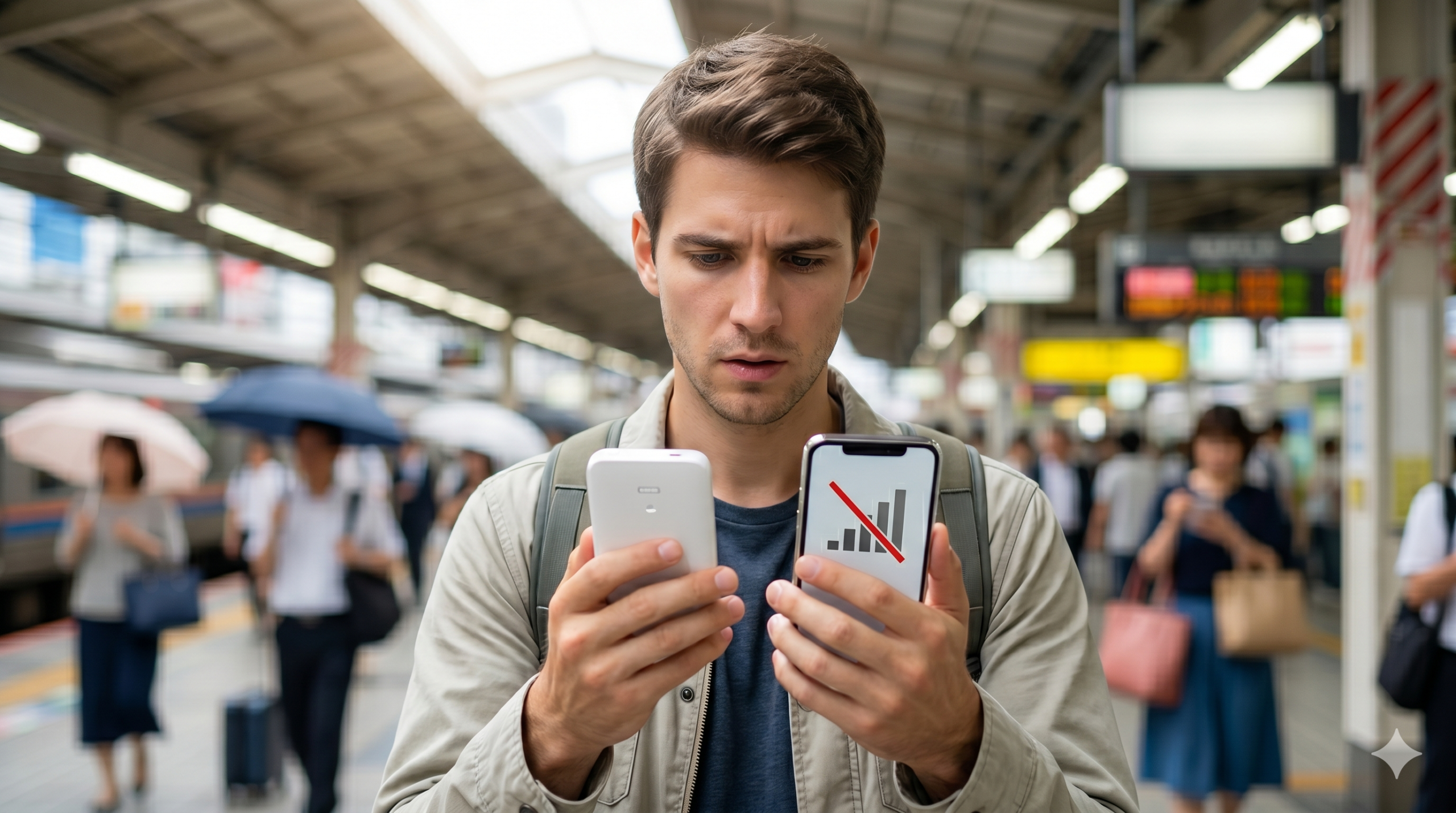
You rented a pocket WiFi for your Japan trip, powered it on, and… your phone still says no internet. A dead or disconnected pocket WiFi is a classic travel headache — no maps, no translation, no messaging. The good news: it’s rarely broken hardware. It’s usually a flat battery, a device that drifted out of range, or a setting you can fix in a minute.
This 2026 guide walks through exactly why your pocket WiFi isn’t connecting in Japan, the step-by-step fixes, and how to make sure you always have a backup connection.
Check the pocket WiFi has battery and shows a signal, then on your phone go to Wi-Fi settings, forget the network and reconnect using the exact SSID and password printed on the device (or its card). Still nothing? Restart the pocket WiFi.
Step 1: Check the device itself
- Is it charged and on? Pocket WiFi units drain fast. Plug it in — a flat battery is the #1 cause. Look for a power/signal light or screen.
- Does it show a mobile signal? Check the screen/indicator for bars (4G/5G). No bars means it can’t reach the network from where you are.
- Restart it. Power off for 10 seconds and on again — this re-attaches it to the Japanese network and clears most glitches.
Step 2: Reconnect your phone correctly
- Open Wi-Fi settings on your phone and look for the pocket WiFi’s network name (SSID).
- Tap Forget the network, then reconnect, entering the SSID and password exactly as printed on the device or its sticker/card (passwords are case-sensitive).
- Some units have a second 5GHz network — try the other SSID if one won’t connect.
- Toggle your phone’s Wi-Fi off and on, or restart the phone.
Step 3: Common reasons it won’t connect
- Out of coverage: deep subway stations, rural areas, mountains and some buildings have weak signal. Move to a window or open area.
- Too many devices: most pocket WiFi allows ~5–10 connections. Disconnect unused phones/laptops.
- Data cap reached: many rentals throttle or stop after a daily/total limit. Check the plan; speed often resets the next day.
- Not activated / SIM issue: a few units need activation, or the internal SIM has slipped — follow the rental’s instructions.
Step 4: Get back online right now
- Use free Wi-Fi at convenience stores, stations, cafes and your hotel as a stopgap.
- Switch to a backup eSIM on your phone — instant data without depending on a separate device (this is why many travelers now carry an eSIM as well).
- Contact the rental company’s support (many have 24/7 lines and prepaid return envelopes).
Step 5: Avoid this next time
- Carry a power bank — pocket WiFi batteries rarely last a full day of heavy use.
- Have a backup eSIM installed before you fly, so a dead device never leaves you offline.
- Note the SSID, password and support number somewhere offline (a photo works).
📶 Never lose connection in Japan
An eSIM backup means a dead pocket WiFi never strands you. See our tested picks and full connectivity guide:
Best eSIM Cards for Japan 2026Japan Internet Guide: Pocket WiFi vs eSIM vs SIM🔒 Stay connected & secure on public Wi-Fi
When your eSIM or pocket Wi-Fi fails, you’ll often fall back on public Wi-Fi at cafes, stations and airports — which is risky. ExpressVPN encrypts your connection and also unblocks Netflix, banking apps and home-country services while you’re in Japan. 30-day money-back guarantee.
Try ExpressVPN →📶 Skip the pocket WiFi headaches — use an eSIM
If your pocket WiFi keeps dropping or running out of battery, an eSIM is a simpler, lighter alternative. Voye Global offers Japan eSIMs with nationwide 4G/5G, instant QR activation and 24/7 multilingual support — nothing to carry or charge.
See Voye eSIM Plans →Frequently Asked Questions
Why is my pocket WiFi not connecting in Japan?
Most often the battery is flat, the device drifted out of mobile coverage, or your phone is using the wrong SSID/password. Charge and restart the device, check it shows a signal, then forget and rejoin the network using the exact credentials on the device.
My pocket WiFi shows no signal — what do I do?
It can’t reach the mobile network from your location (common in deep subways, rural areas or some buildings). Move near a window or outdoors, restart the device, and wait for it to re-attach. If it never gets a signal, contact the rental company.
Why is my pocket WiFi suddenly slow?
Many rental plans throttle speed after a daily or total data cap, or you may have too many devices connected. Disconnect unused devices; throttled speed often resets the next day. Check your plan’s data limit.
What’s a good backup if the pocket WiFi fails?
A travel eSIM on your phone is the best backup — it gives instant data without a separate device. Free Wi-Fi at convenience stores, stations and hotels also helps in a pinch.
🗾 More Japan Guides
🔥 Editor’s Picks for Life & Travel in Japan
📘 The Japan Expat Starter Kit 2026
Banking, housing, My Number, taxes, 100 phrases and a 40-kanji cheat sheet — everything from this site in one 17-chapter PDF field manual. Free lifetime 2026 updates.
Reader price: $9.99 $6.99 with code JLL30 at checkout
30-day money-back guarantee · Instant download · PR
Practical guides for life and travel in Japan — free, about once a week. No spam, unsubscribe anytime.
☕ Enjoying our Japan guides?
If this article helped you, you can support our work with a coffee!
🇯🇵 Travel & Life Essentials for Japan
Hand-picked gear to make your time in Japan easier. Available on Amazon US & Amazon Japan.
🔋 Portable charger
A must for long days of sightseeing and photos.
View on Amazon (US)View on Amazon Japan🔌 Travel plug adapter
Japan uses Type A outlets. Bring the right adapter.
View on Amazon (US)View on Amazon Japan🎧 Translation earbuds
Real-time translation to talk without barriers.
View on Amazon (US)View on Amazon JapanAs an Amazon Associate, Japan Life Lab earns from qualifying purchases.
Did this guide help you? 🍵
Japan Life Lab is a small independent blog, and every guide we publish is completely free — no paywalls, ever. If our work saved you time (or a headache), you can support us with a cup of Japanese tea. Every contribution, big or small, goes straight into keeping these guides free, accurate and up to date for everyone.
☕ Support Japan Life Lab
Leave a Reply